Pay once, keep it
One payment and the licence never expires. Updates to the website version are included.
 Network monitoring for ISPs
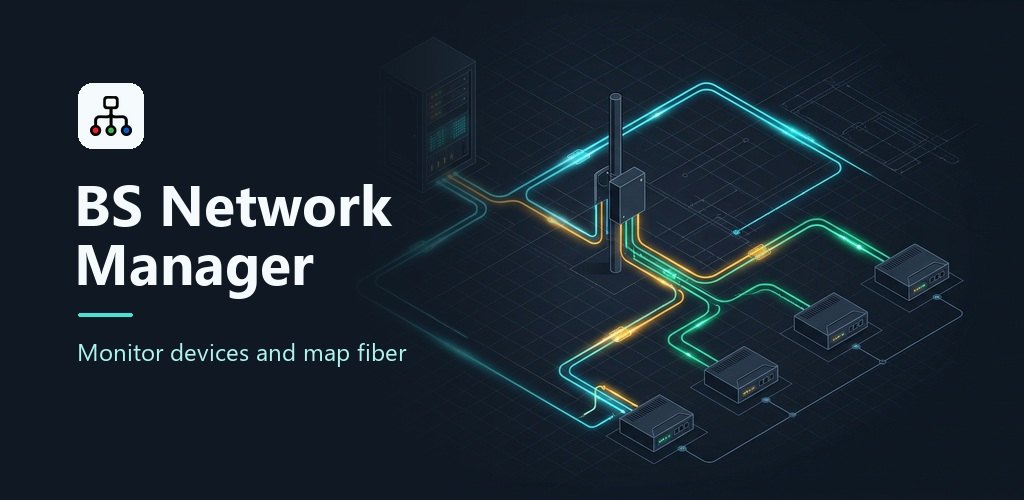
Monitor routers, OLTs, ONUs and PPPoE sessions from your phone, map every cable and splitter, and find the fault before the customer calls.
One payment, no ads, no subscription. Sign in with your Google account or your mobile number.
One payment and the licence never expires. Updates to the website version are included.
The full app with every feature unlocked — no ads, no in-app purchases, no subscription.
Device passwords are encrypted on your phone, and backups go to your own Google Drive.
From the core router to the customer's ONU — monitor it, map it and trace it on the phone you already carry.
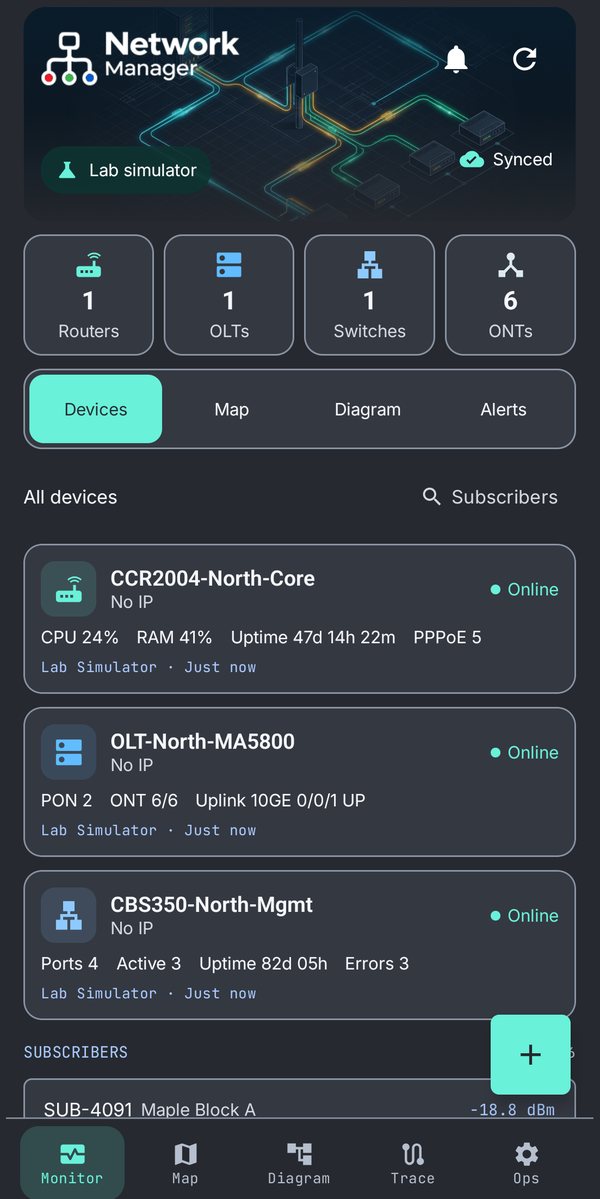
Routers, OLTs, switches and ONUs checked over your LAN or VPN: up/down, optical power, PPPoE sessions and port status.
One ONU losing power, a whole splitter branch going dark, PPPoE dropping while fibre is fine — each is told apart.
Put every OLT, splitter, ONU and cable on a real street map with GPS, then route to the fault in the field.
Draw the network once — guided or by hand — and trace any customer back through splitters to the OLT port.
Keep checking devices while the app is minimised, with grouped notifications that open straight to the issue.
Back up to your own Google Drive, encrypted so only your account can open it, and restore on a new phone.
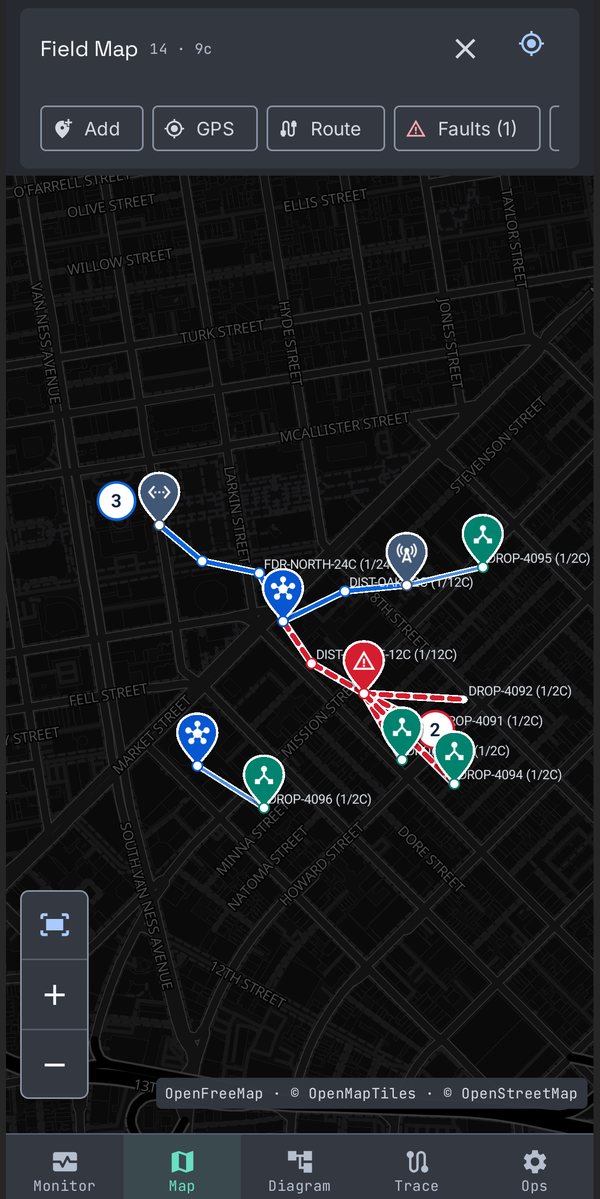
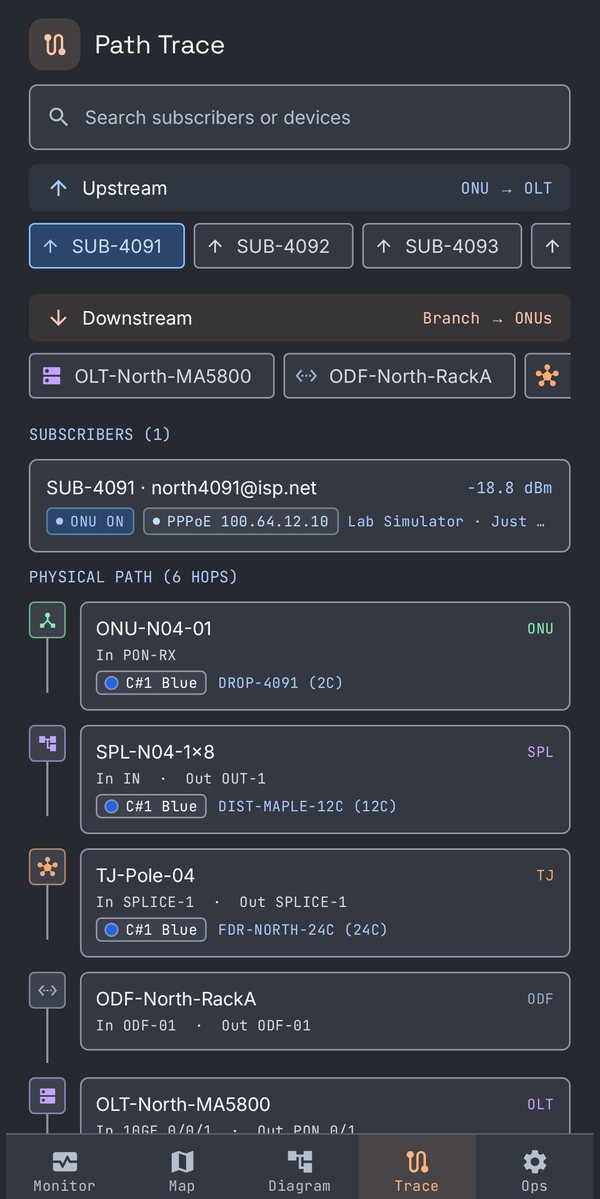
Your licence belongs to the Google email or the mobile number you buy with — use that same one to sign in, on every phone your team carries.
Buy with your Gmail address and sign in with that Google account — nothing else to remember.
Buy with your mobile number; we text a 6-digit PIN. Change it any time in the app.
Sign in with the same email or number on each phone. You stay signed in until you sign out.
One price with everything included. No subscription, no renewals.
 Lifetime licence
One-time payment · Bangladeshi Taka
Secure payment · Licence issued instantly
Already bought? Download the app Android
Enter your Google email or mobile number and pay. The licence is created instantly.
Download the app from your order page and install it on your Android phone.
Sign in with that Google account, or with your mobile number and the PIN we text you.
Yes. You pay once and the licence never expires. Updates to the website version are included.
Use the Google account email you will sign in with in the app, or your Bangladeshi mobile number. The licence belongs to exactly that email or number.
Right after payment we send a 6-digit PIN to that number by SMS. In the app tap "Sign in with mobile number" and enter the number and PIN. You can change the PIN later in Settings.
Your licence is safe — it belongs to your email or mobile number, not to the phone. Download the app again with the "Download the app" button under the price, sign in with the same Google account or mobile number (need a new PIN? tap "Forgot PIN?" in the app and we text you one), then restore your network from Google Drive in Settings → Backup & Restore.
Yes. Sign in with the same email or mobile number on each of your phones.
It is the same app without ads, sold here with a lifetime licence. Install it from your order page; it updates itself from this site.
An Android phone that can reach your routers and OLTs over your office LAN or a VPN. The app talks to your devices directly — no extra server.
Tell us about your network — routers, OLTs and how your team works — and we will help you get started.